
Register at Lucky Star India and Get a Bonus
To play for real money on the official Lucky Star website or in the mobile app, you need an account. Without one, you can’t place real-money bets, make deposits or withdrawals, or claim the welcome bonus of up to 600 free spins on your first four deposits. Signing up takes just a few minutes.
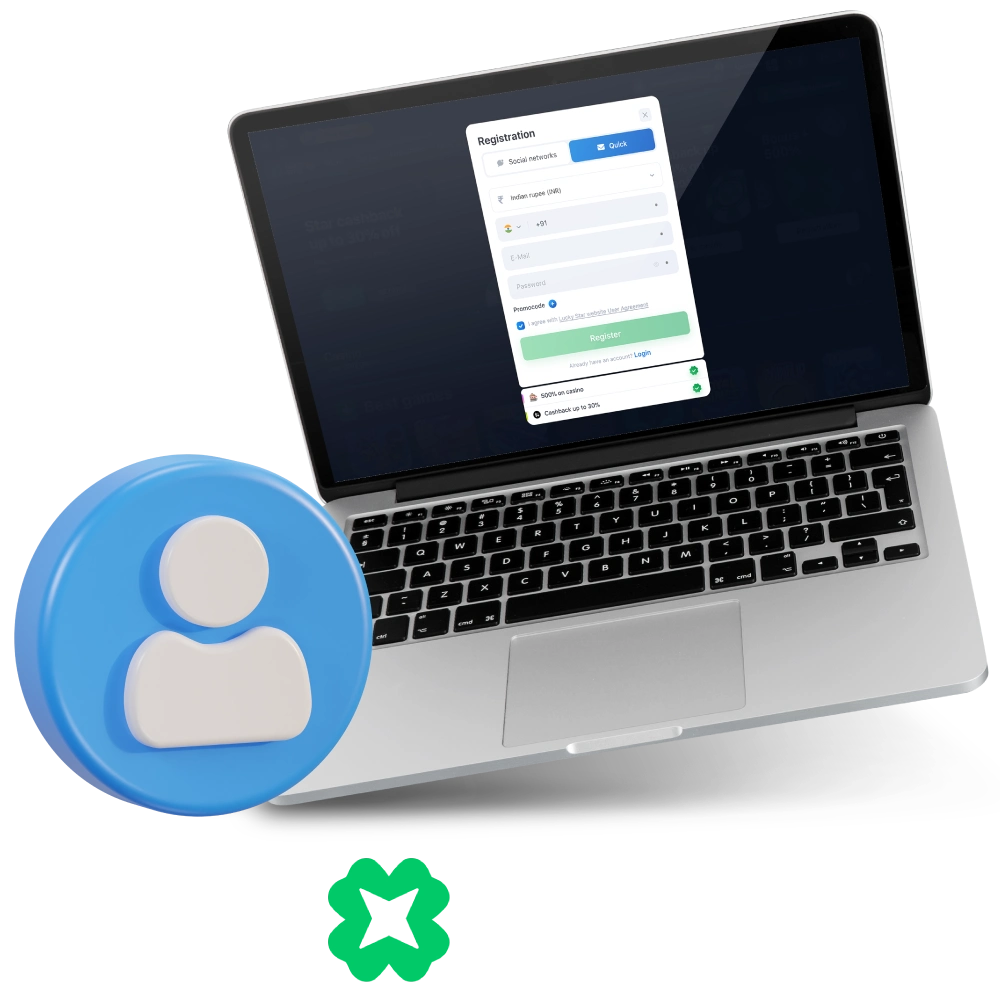
How to Register at Lucky Star: a Step-by-Step Guide
Registration is done through a single short form, and the same account works on the website and in the app.
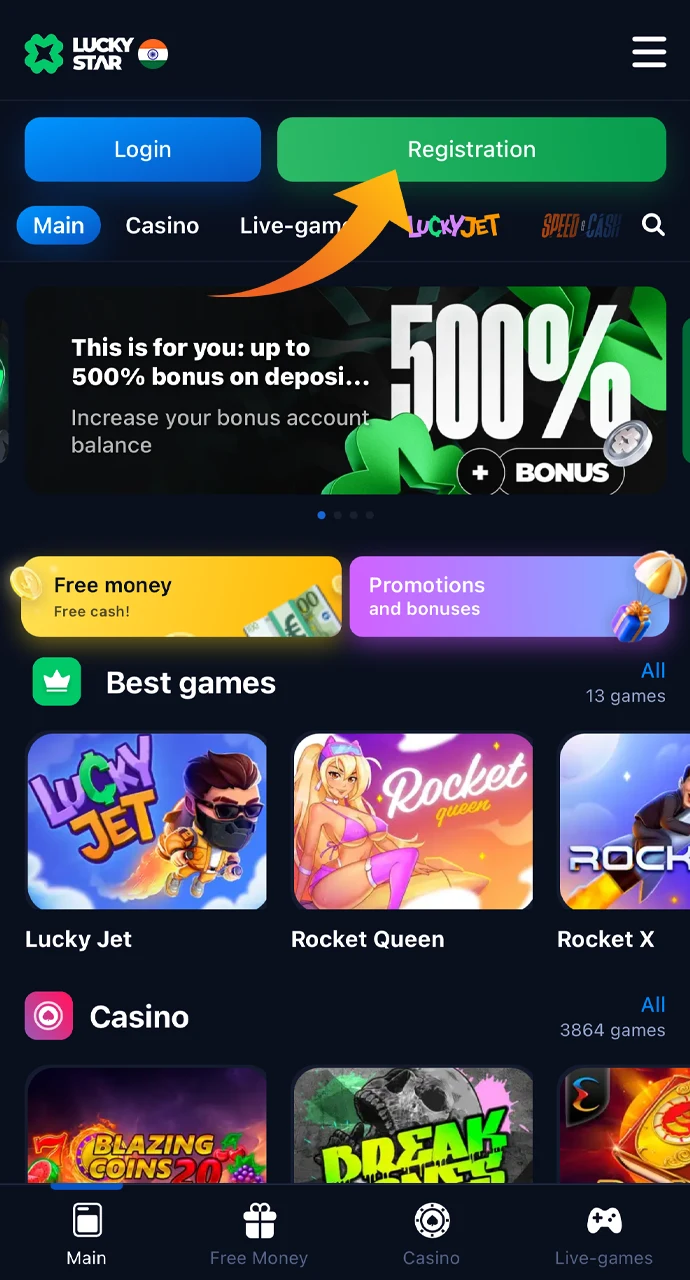
1. Open the Registration Form
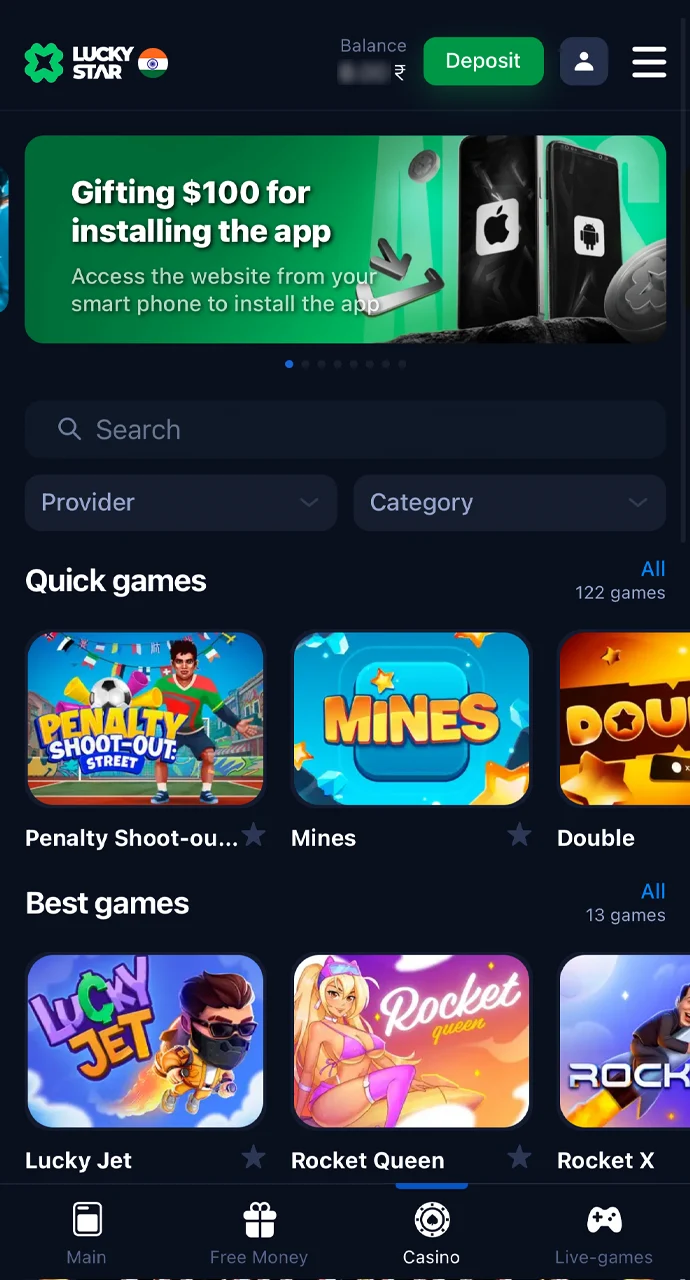
Go to the official Lucky Star website or open the app and tap the registration button. The sign-up form will open.
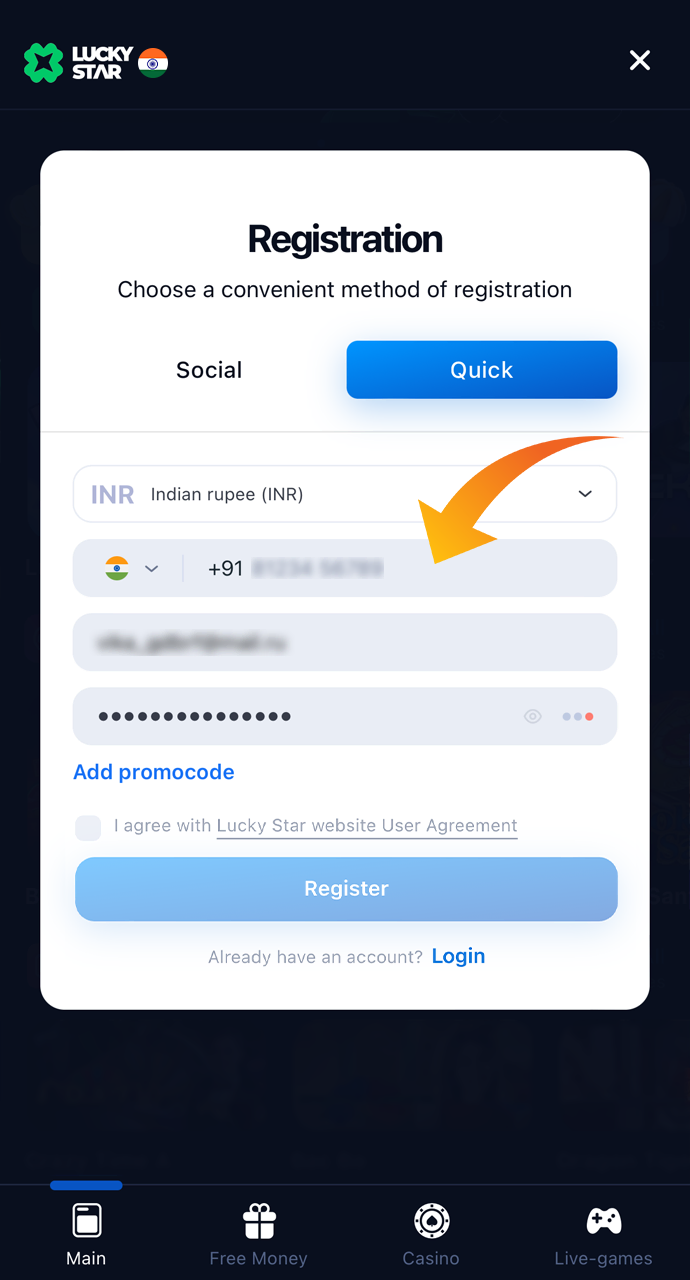
2. Enter Your Details
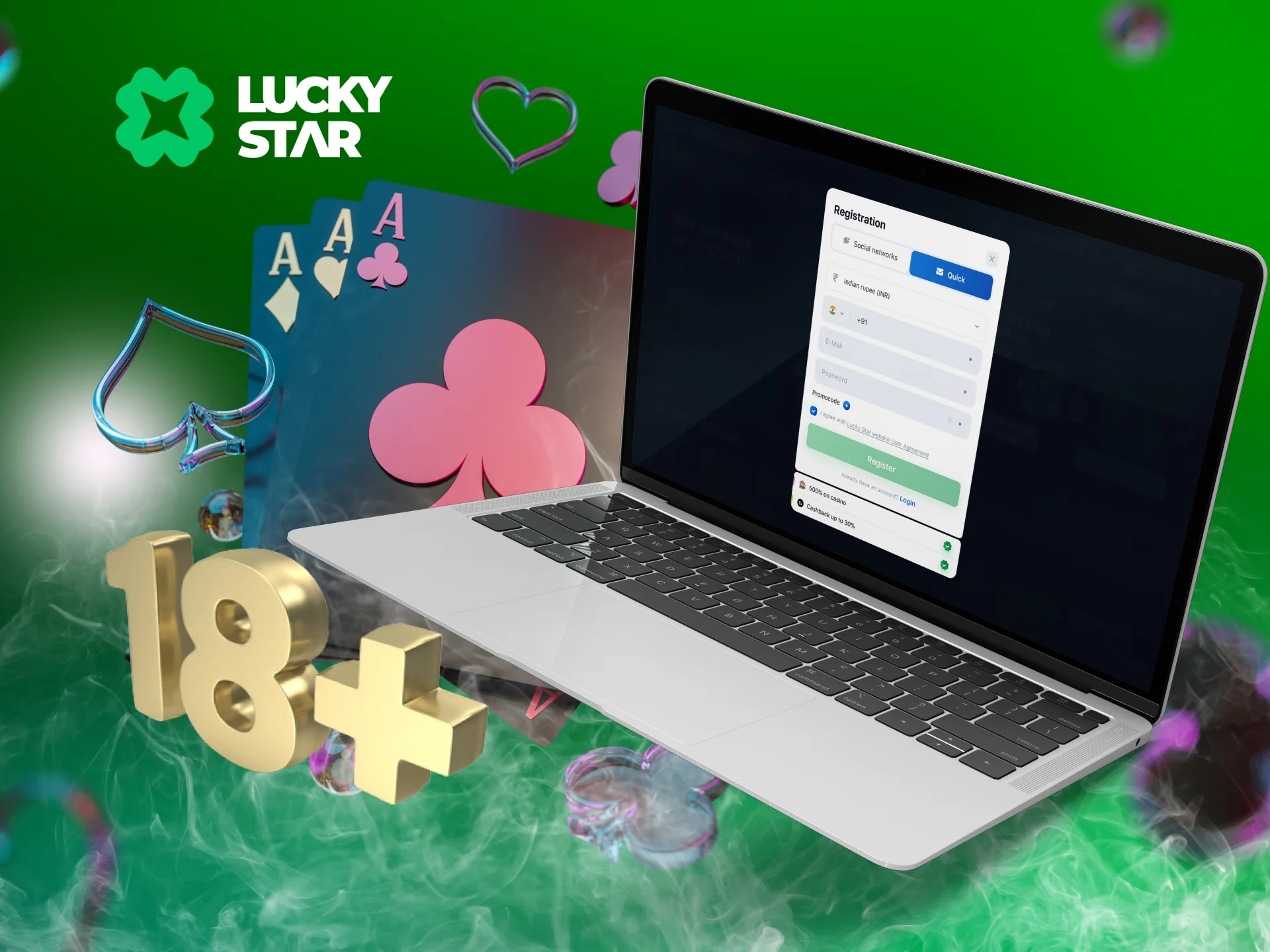
Choose Indian rupee (INR) as the account currency, enter your phone number with the +91 code and your email address, and create a password of at least 6 characters. If you have a promo code, add it in the optional promo code field.
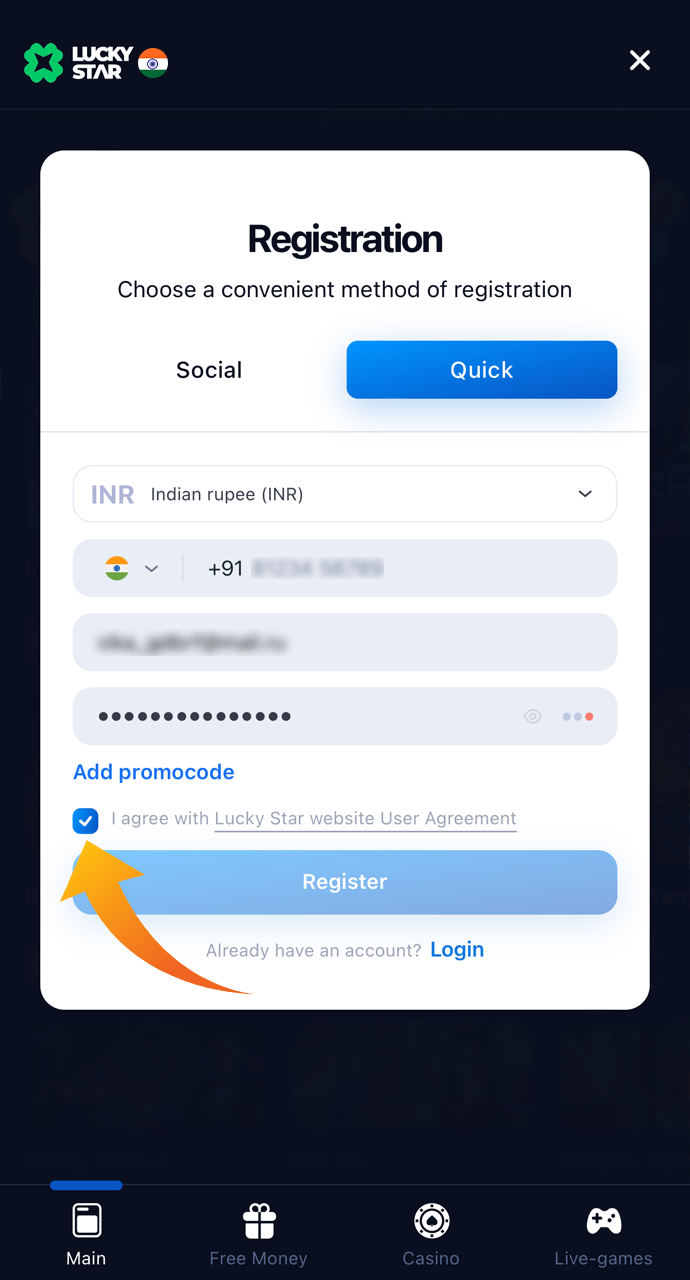
3. Accept the Rules
Tick the box to confirm that you are 18 or older and accept the Terms and Conditions and the Privacy Policy. Read both documents before you agree.
4. Complete the Registration
Double-check your details and confirm the registration. Once the account is created, you can make your first deposit and start playing.
Registration Requirements
Lucky Star accepts players from India. Its terms allow play only where online gambling is permitted, so check the rules that apply where you live. Before you sign up, make sure you meet the basic requirements set out in the Terms and Conditions:
- You must be 18 or older. Lucky Star may ask you to confirm your age at any time;
- Only one account is allowed per person, household, IP address and device. Opening a second account breaks the terms;
- Your personal details must be accurate and match your documents, since they may be checked before a withdrawal;
- Using a VPN to get around access restrictions is not allowed.
These rules apply both on the official website and in the app. Breaking them can lead to account restrictions, so read the full terms before you register.
After Registration: First Deposit

Once your account is ready, you can top it up on the official website or in the Lucky Star app for Android and iOS. The steps are the same:
- Open the cashier. Log in and select the deposit tab in the cashier.
- Choose a payment method. Options for India include UPI, PhonePe, Paytm, Google Pay, bank transfer (IMPS) and cryptocurrency; the current list is shown in the cashier. The minimum deposit is 300 INR, and any deposit fee is set by the payment provider. Your first four deposits also unlock the welcome free spins (see below).
- Pick a game like Aviator. Open the casino, live casino or sports betting section, choose your stake and start playing.
Winnings go to your account balance. You can request a withdrawal in the cashier once the balance reaches 1,200 INR. Withdrawals are paid by the same type of method you deposited with (crypto and fiat can’t be mixed) and are processed in turn: up to 72 hours for amounts up to the equivalent of €1,000 and up to 7 days for larger sums. Lucky Star does not charge a withdrawal fee.
How to Get the Welcome Bonus

New Lucky Star players can get up to 600 free spins spread over their first four deposits:
- 1st deposit: 130 free spins;
- 2nd deposit: 140 free spins;
- 3rd deposit: 160 free spins;
- 4th deposit: 170 free spins.
To get them, register and make your deposits. Full terms, including wagering and time limits, are on the bonus card in the Bonuses section. An active bonus is cancelled if you request a withdrawal or activate another bonus.
Players with more than four deposits can also get 70 free spins for a deposit on Wednesdays and Fridays and a 50% deposit bonus on Sundays. There is also up to 30% weekly casino cashback on slot bets made with real money, paid to the real balance on Saturdays with no wagering.
Verification
Verification is not required at sign-up, but Lucky Star may request it at any time, usually before a withdrawal. The check can include:
- a photo ID document;
- proof of address;
- information about the source of funds.
Make sure the details in your profile match your documents to avoid delays: withdrawals may not be available until the check is complete. Once you have made at least two deposits, confirming your phone number and email in your profile earns 20 free spins each, 40 in total.
FAQ
How Do I Sign Up in the Lucky Star Mobile App?
Registration in the app works the same way as on the official website: choose INR as the currency, enter your phone number, email and a password, and accept the terms. One account works on both the website and the app.
Do I Need to Verify My Account Right After Sign-Up?
No. You can register and deposit without verification. Lucky Star may ask for an ID document, proof of address or source-of-funds details later, usually before a withdrawal.
How Do I Recover My Password?
Use the password recovery option on the login form and follow the instructions to set a new password.
Can I Delete My Account?
You can’t do it yourself. Contact Lucky Star support via the live chat on the site or at contact@lucky-star.best and ask for the account to be closed.
Updated:
Comments