
Lucky Star Aviator App – Download the APK for Android and Install on iOS
Lucky Star offers an official casino app for Android (APK) and iOS that includes the popular Aviator game by Spribe. The app gives access to more than 13,000 games, the cashier and the full bonus program. New players can get up to 600 free spins on their first four deposits.
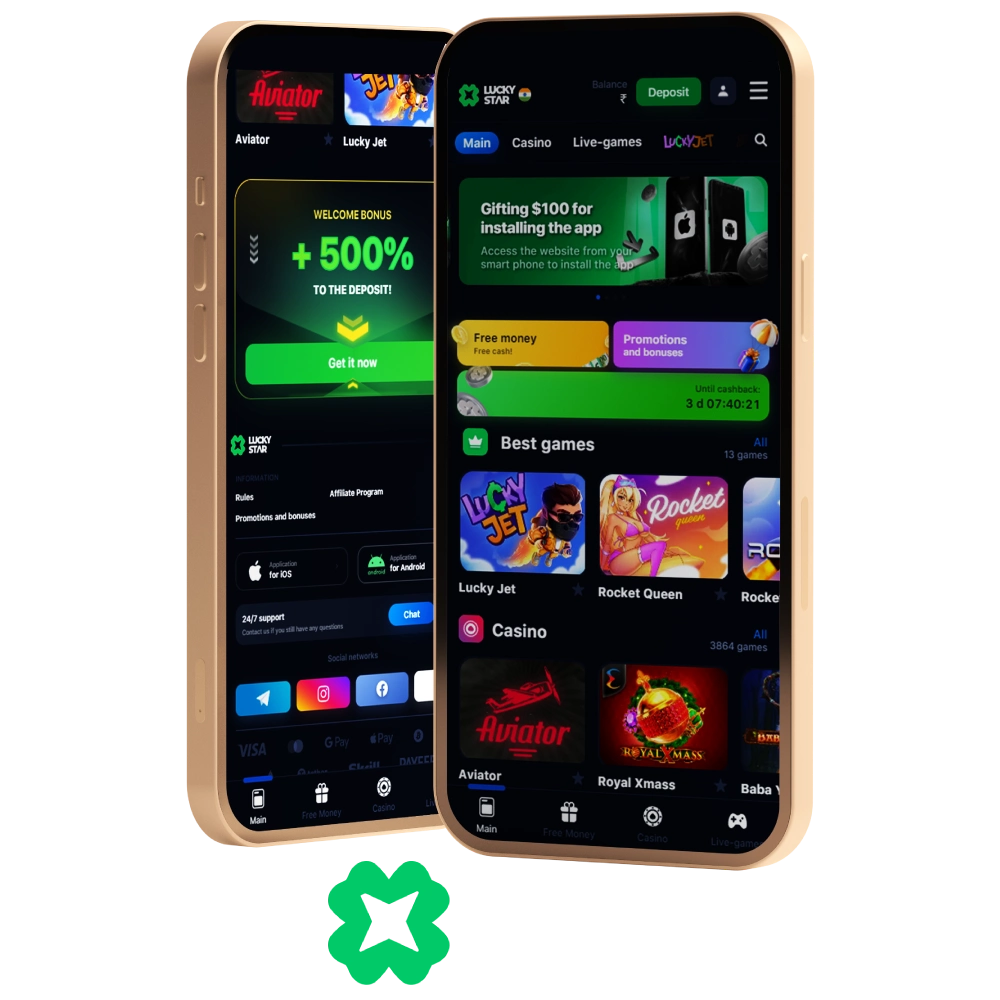
Information About the Lucky Star App
The Lucky Star app for Android and iOS offers the same features as the official site: thousands of games, including slots, roulette, poker, baccarat, blackjack, crash games and live dealer titles, plus bonuses, tournaments, deposits, withdrawals and customer support.
| Application Version | Latest version on the official site |
| APK Filesize | Shown on the download page |
| Download Price | Free |
| Supported Operating Systems | Android, iOS (a Windows version is also available) |
| Currency | Indian rupee (INR) |
| Live Casino | Yes |
| Access to Sports Betting | Yes |
The app uses the same account as the website, so your balance and bonuses are shared between them.
The app is optimized for smartphones, with fast navigation and smooth graphics, and runs stably on most modern devices.
Aviator Features in the App
The Aviator crash game by Spribe is available in the Lucky Star app. The gameplay is simple, and the game adds a few useful features:
- the option to place two bets in a single round;
- auto-bet and auto-cash-out;
- a results section showing other players’ wins;
- a list of other players’ bets in the current round.
It is the same classic crash game as on the website; the app simply keeps it one tap away.
How to Download the Lucky Star App
The latest version of the Lucky Star app is free to download on the official website. Use only the official site: files from third-party sources may be outdated or contain malware. Step-by-step instructions for Android and iOS are below. Aviator is part of the app, so there is no separate download for it.
Android APK
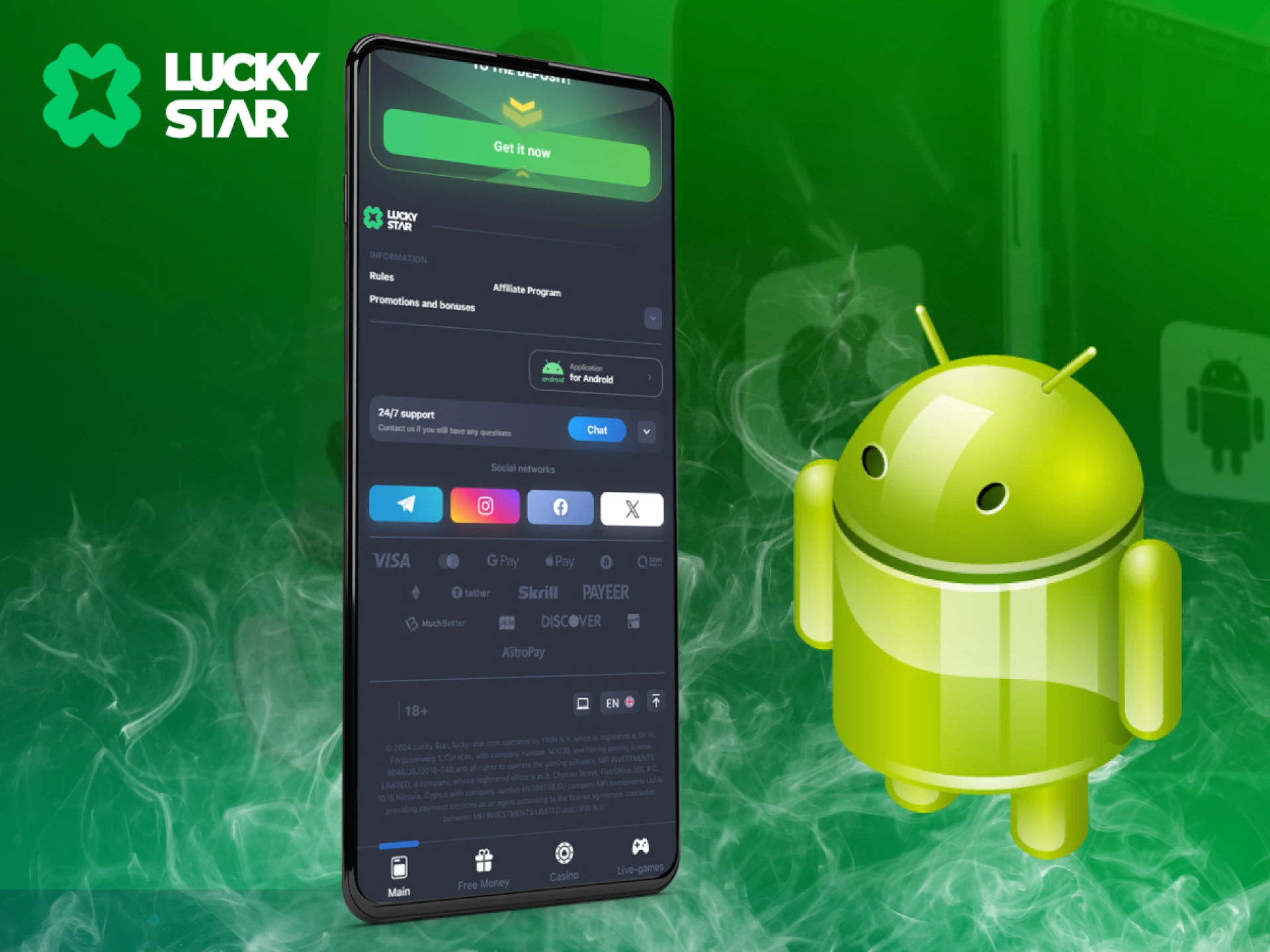
The Lucky Star app for Android offers the same features as the website, plus pop-up notifications about news and bonuses.
- Open the official Lucky Star website on your smartphone and go to the mobile app page.
- Tap the install button and confirm the download if asked.
- In your phone settings, allow installation from unknown sources.
- Run the downloaded APK file and confirm the installation.
The app icon then appears on your home screen. Launch it to access all games, including Aviator.
Android System Requirements
Before installing the Lucky Star app on Android, check your smartphone against the requirements below. They are a guide based on the compatible devices listed further down, not a strict limit.
| Android Version | 8.0 or later |
| RAM | 3 GB or more |
| Free Space | 50 MB |
On a less powerful device the app may run slowly or crash. In that case, play on the mobile site instead (see below).
Supported Devices
The Lucky Star app runs on both Android and iOS. The table below lists supported models on which Aviator and other games should run smoothly; similar devices usually work too.
| Device Type | Supported Models |
| iPhone | iPhone X and later (including SE 2020, SE 2022, 12, 13, 14, 15, 16, iPhone 17 series) |
| iPad | iPad Pro (all models), iPad Air (3rd gen and later), iPad (7th gen and later), iPad Mini (5th gen and later) |
| iPod Touch | iPod Touch (7th generation) |
| Android Phone | Devices running Android 8.0 (Oreo) and later; recommended RAM 3GB+; examples: Samsung Galaxy S9 and later, Google Pixel 3 and later, OnePlus 6 and later |
| Android Tablet | Devices running Android 8.0 (Oreo) and later; recommended RAM 3GB+; examples: Samsung Galaxy Tab S5 and later, Lenovo Tab P11 and later |
iOS App
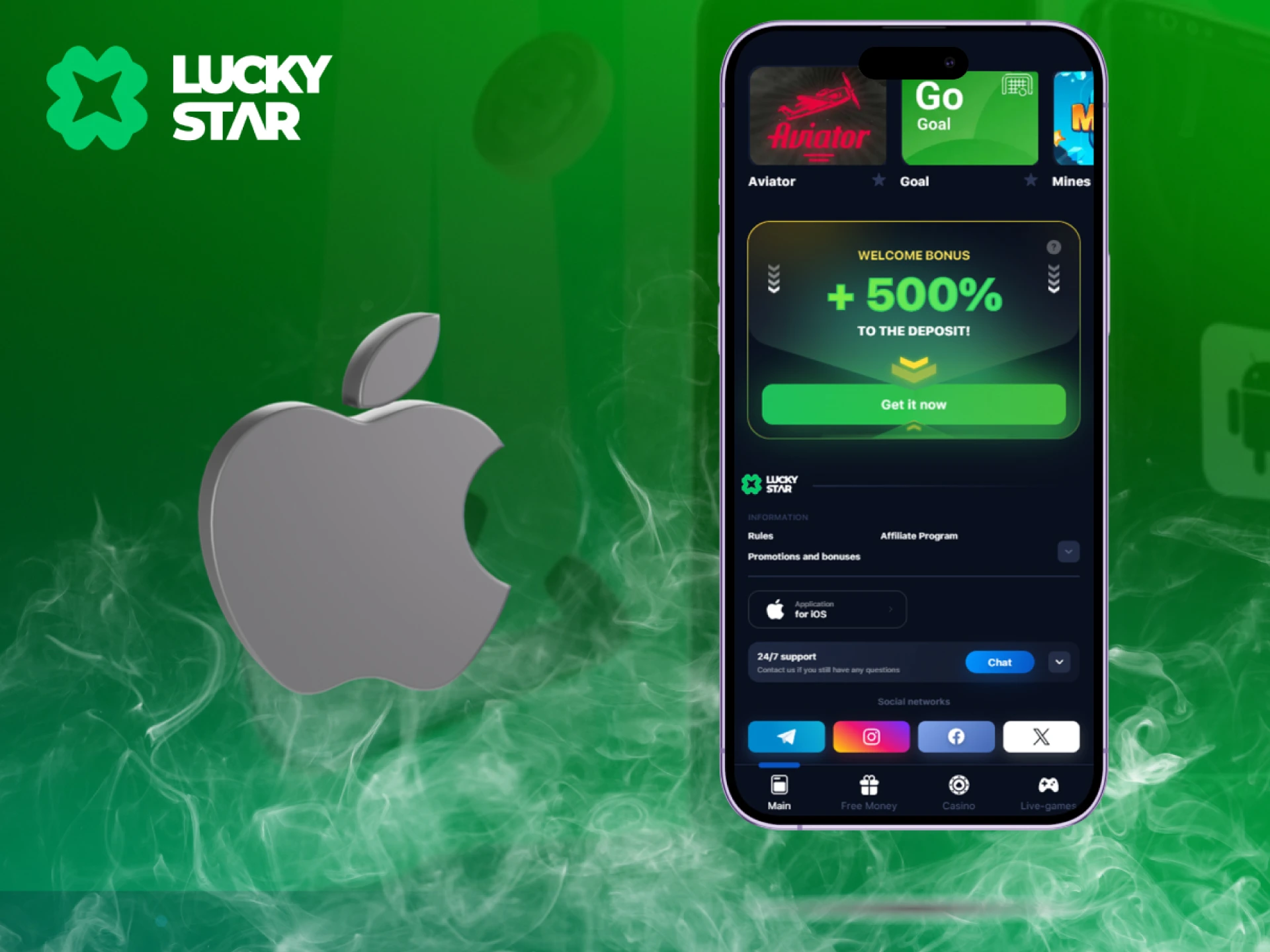
iPhone and iPad users can install the iOS version of the Lucky Star app and play all kinds of games in it, including Aviator. To do this:
- Open the official Lucky Star website in the browser on your iPhone or iPad.
- Tap the iOS install button and follow the on-screen instructions.
- Open the app, log in or create an account, and start playing.
The iOS version gives access to thousands of slots and other games, sports betting, bonuses and all payment methods.
iOS System Requirements
The iOS version runs on most iPhone and iPad models. Check that your device meets the recommended requirements before installing.
| iOS Version | A recent iOS version (see the install page) |
| RAM | 1 GB |
| Free Space | 50 MB |
On an older iPhone or iPad, use the mobile site in your browser instead.
How to Start Playing Aviator in the Lucky Star App
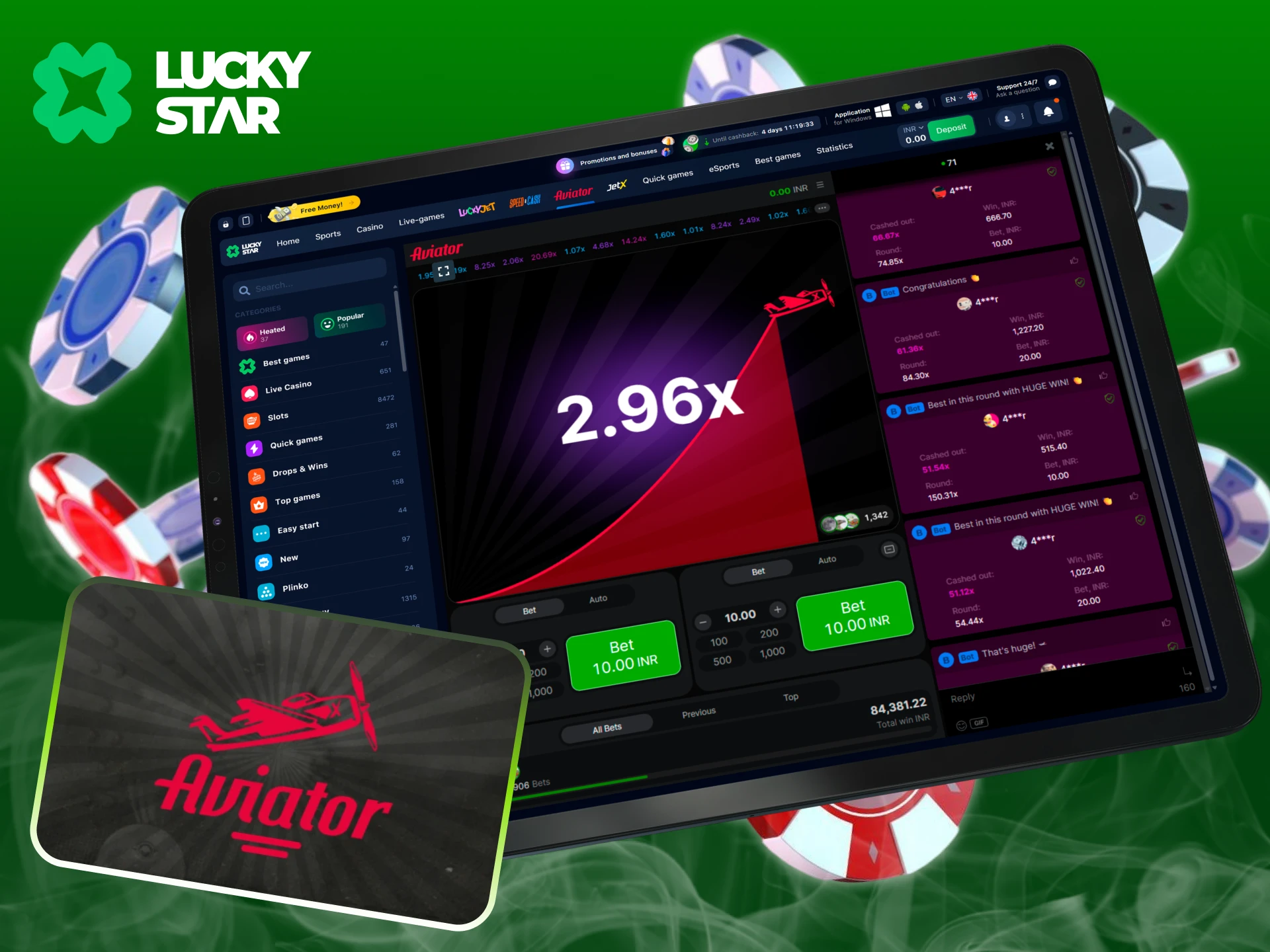
Aviator is available in the official Lucky Star app as well as on the mobile and desktop site. To play it in the app, follow these steps:
- Download the official app. Open the Lucky Star website on your phone and tap Download for Android, or Download for iOS on an iPhone. Downloading from the official site gives you the current version of the app.
- Install and sign up. Allow the installation (on Android), open the app and register an account with your phone number (+91), email and a password of at least six characters. Choose the Indian rupee (INR) as your account currency.
- Make your first deposit. Open the cashier, choose UPI, PhonePe, Paytm or another available method and confirm the payment.
- Launch Aviator and place your bet. Find Aviator through the search in the casino lobby, enter your stake and tap Bet. Watch the plane climb and tap Cash Out before it flies away; otherwise the bet is lost.
How Aviator Works in the App
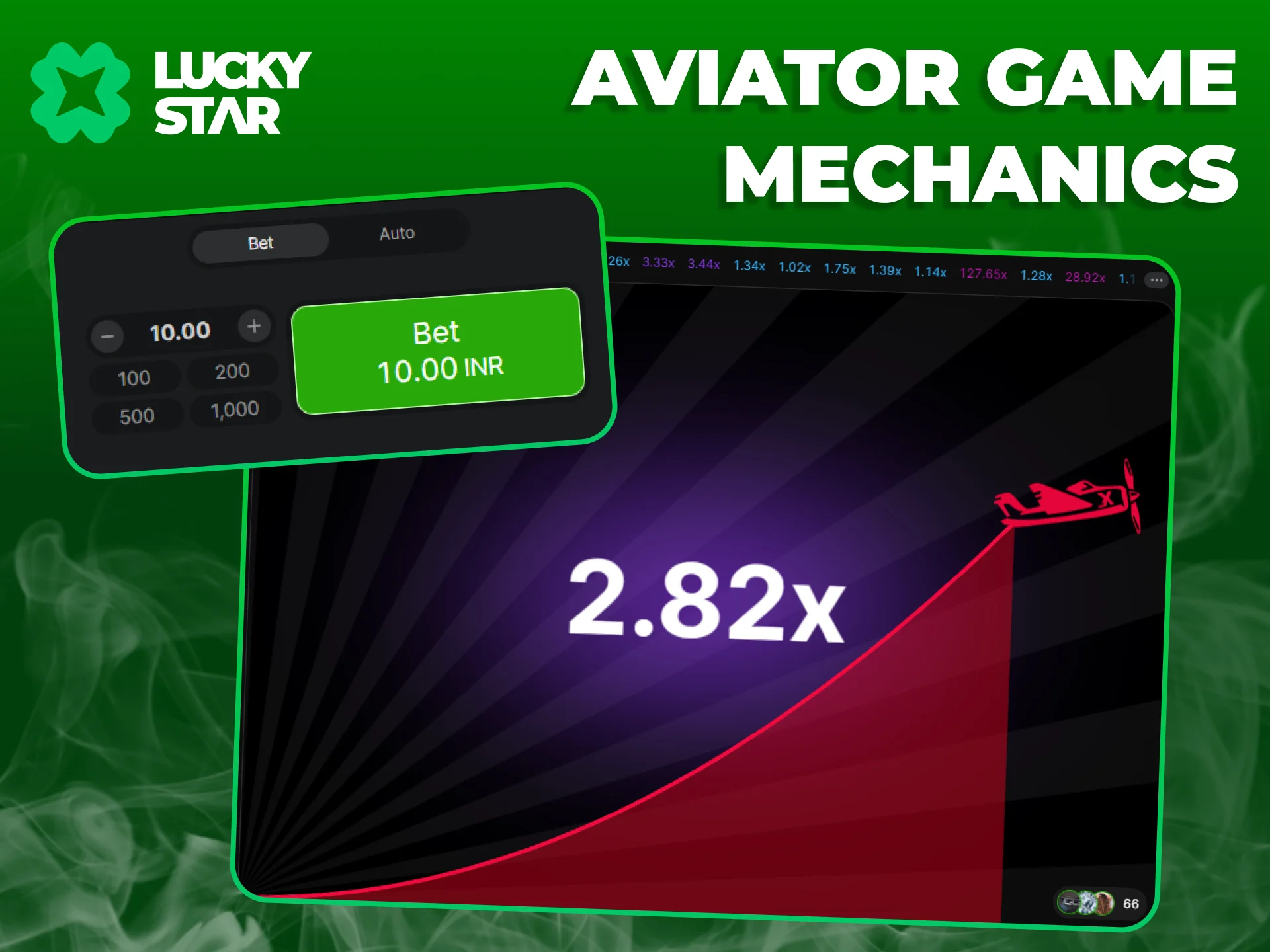
A round of Aviator in the app follows the same rules as on the website. You set your stake and confirm the bet, the plane takes off and the multiplier starts to rise. The round can end at any moment: cash out before the plane flies away to receive your stake multiplied by the current multiplier, otherwise the bet is lost. Each round is random, so the result cannot be predicted.
Bonuses Available in the App
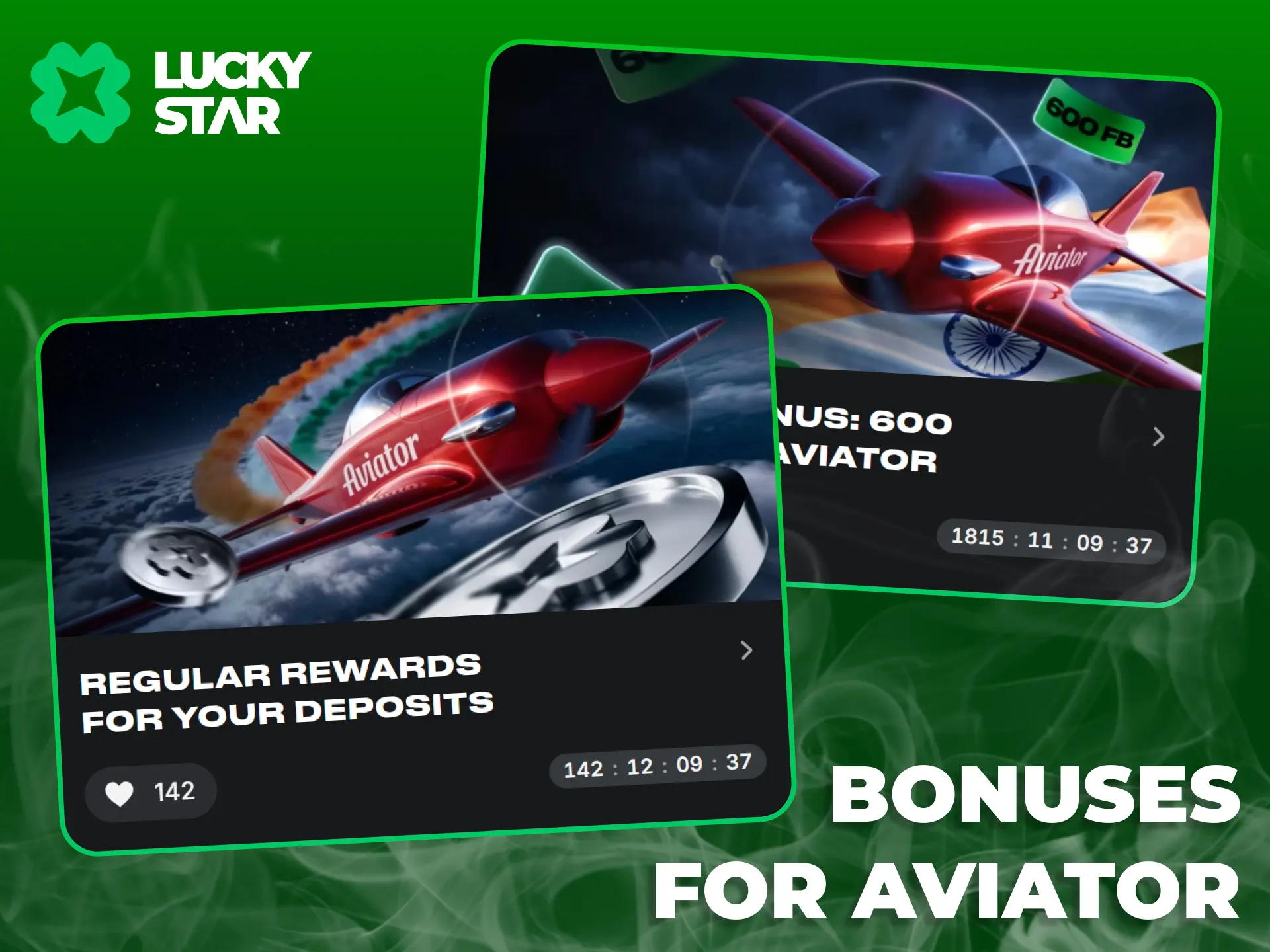
App users get the same promotions as on the website:
- Welcome bonus: up to 600 free spins on the first four deposits (130 FS on the first, 140 on the second, 160 on the third and 170 on the fourth);
- Weekly bonuses: players with more than four deposits get 70 free spins for a deposit on Wednesday and Friday and a 50% deposit bonus on Sunday;
- Cashback: up to 30% weekly casino cashback on real-money slot bets, credited to the real balance on Saturdays with no wagering;
- Lucky Points: earned for sports and slot bets, Free Money tasks and the Wheel of Fortune, plus 200 points for installing the Android app and 100 points for enabling notifications. After at least one deposit, points can be exchanged for real money (x1 wagering).
Full terms, including wagering and deadlines, are on the bonus card in the Bonuses section.
Popular Betting Approaches
Some players follow a betting approach when playing Aviator. The most common ones are:
- Steady approach: a medium-sized bet cashed out at around a 1.5x multiplier;
- Double bet: the first bet is cashed out at 1.3x–1.5x, while the second is left to fly for a higher multiplier;
- Bankroll management: each bet is 1–3% of the bankroll;
- Martingale: the stake is doubled after every loss and reset after a win. A losing streak makes stakes grow very quickly, so this approach carries a high risk of losing the whole bankroll.
Every round is random, and no strategy can guarantee a win. Set a budget before you play and stop when you reach it.
Playing on a Mobile Site
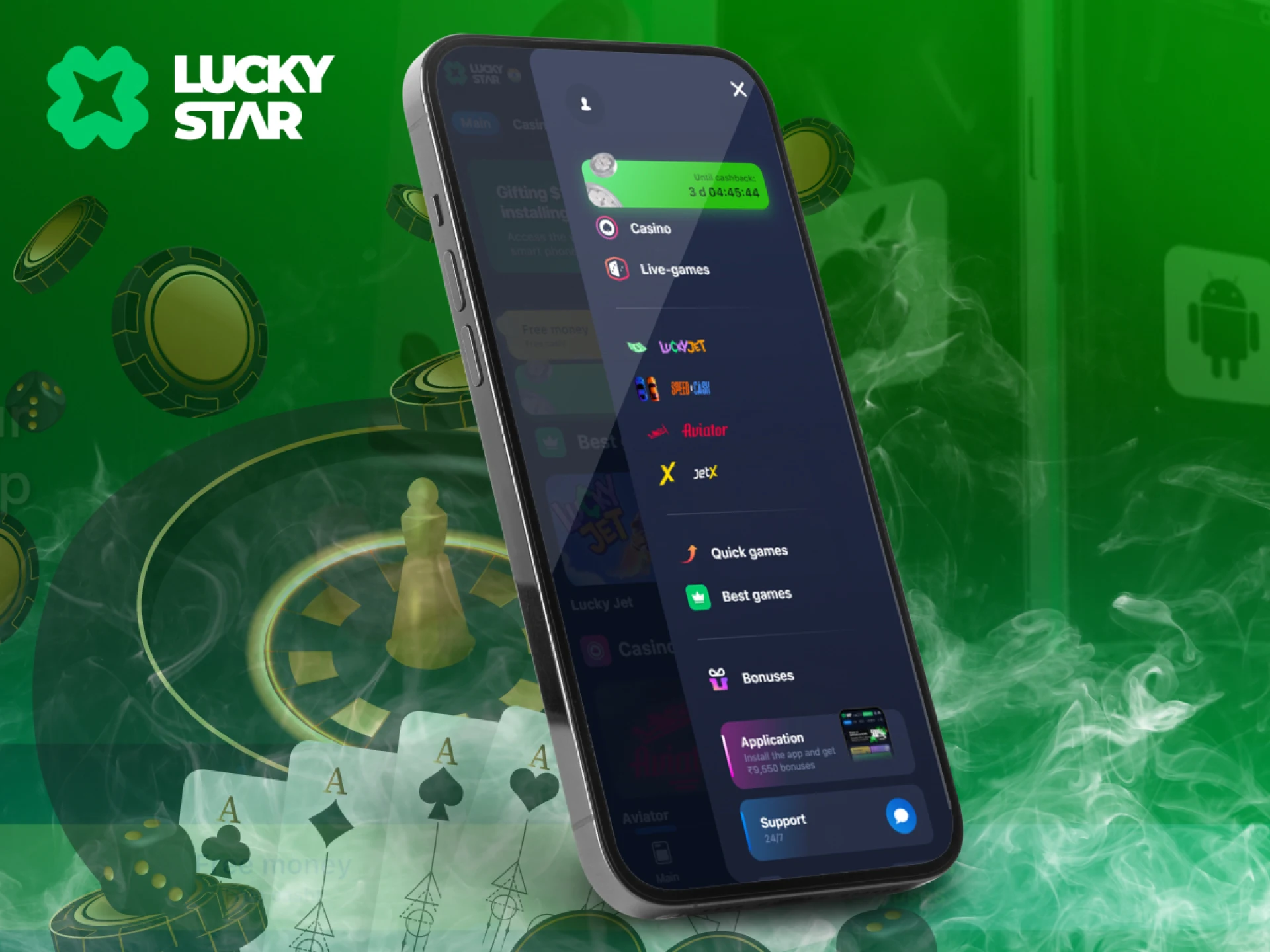
If you prefer not to install the APK, play on the mobile site. It works in any modern browser, needs no installation and only requires a stable internet connection. To start playing on the mobile site:
- Open the official Lucky Star website in the browser on your phone.
- Register or log in to your existing account.
- Open the cashier, choose the deposit tab and make a deposit.
Then open the game lobby, pick a game, choose your stake and start playing.
Differences Between the Website and the App
The games and most features are the same in the app and on the mobile site, with only a few differences. The table below compares the main advantages of each option.
| App | Mobile site |
| Quick launch from the home-screen icon | Does not need to be updated |
| Interface built for smartphones | Does not take up memory space |
| Push notifications about news and bonuses | Works in any modern browser |
| 200 Lucky Points for installing the Android app | No download or installation required |
How to Update the Lucky Star App
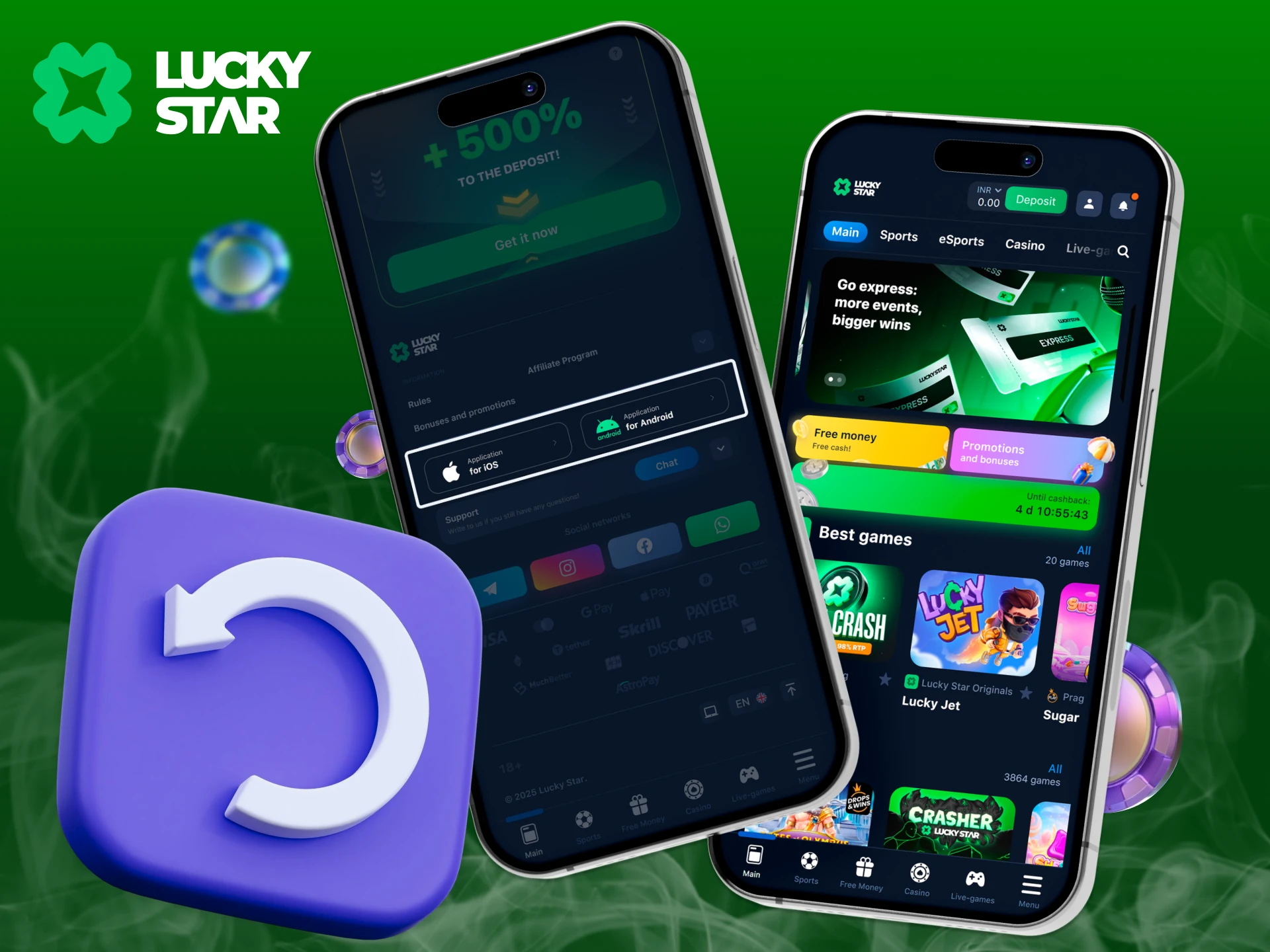
When a new version of the Lucky Star app is released, the app tells you about it at launch: confirm the update and it installs automatically. If you missed the prompt or the app stops working properly, install the latest version manually:
- Visit the official Lucky Star website from your mobile device.
- Download the latest APK (Android) or reinstall the app from the iOS install page (iPhone and iPad), following the on-screen steps.
Deposit and Withdrawal via the App
The Lucky Star app has the same cashier as the website. After logging in, open the cashier, choose a payment method and fill in the form. Indian payment methods and cryptocurrency are supported:
| Payment Method | Minimum Deposit (INR) |
| UPI | 300 |
| PhonePe | 300 |
| Paytm | 300 |
| Google Pay | 300 |
| Bank transfer / IMPS | 300 |
| Cryptocurrency | Shown in the cashier |
The minimum withdrawal is 1,200 INR. Withdrawal requests are processed in the order they are received: up to 72 hours for amounts up to the equivalent of €1,000 and up to 7 days for larger sums. Money is paid out by the same type of method used for the deposit, so crypto and fiat payments are not mixed.
Lucky Star does not charge a withdrawal fee; any deposit fee is set by the payment provider. Before a withdrawal, Lucky Star may ask you to verify your identity (ID, address and, in some cases, the source of funds).
Games in the Lucky Star App
The app gives access to the full Lucky Star casino lobby: more than 13,000 games, including slots, table games, live dealer titles, crash games such as Aviator and Lucky Star Originals like Lucky Jet.
Slots
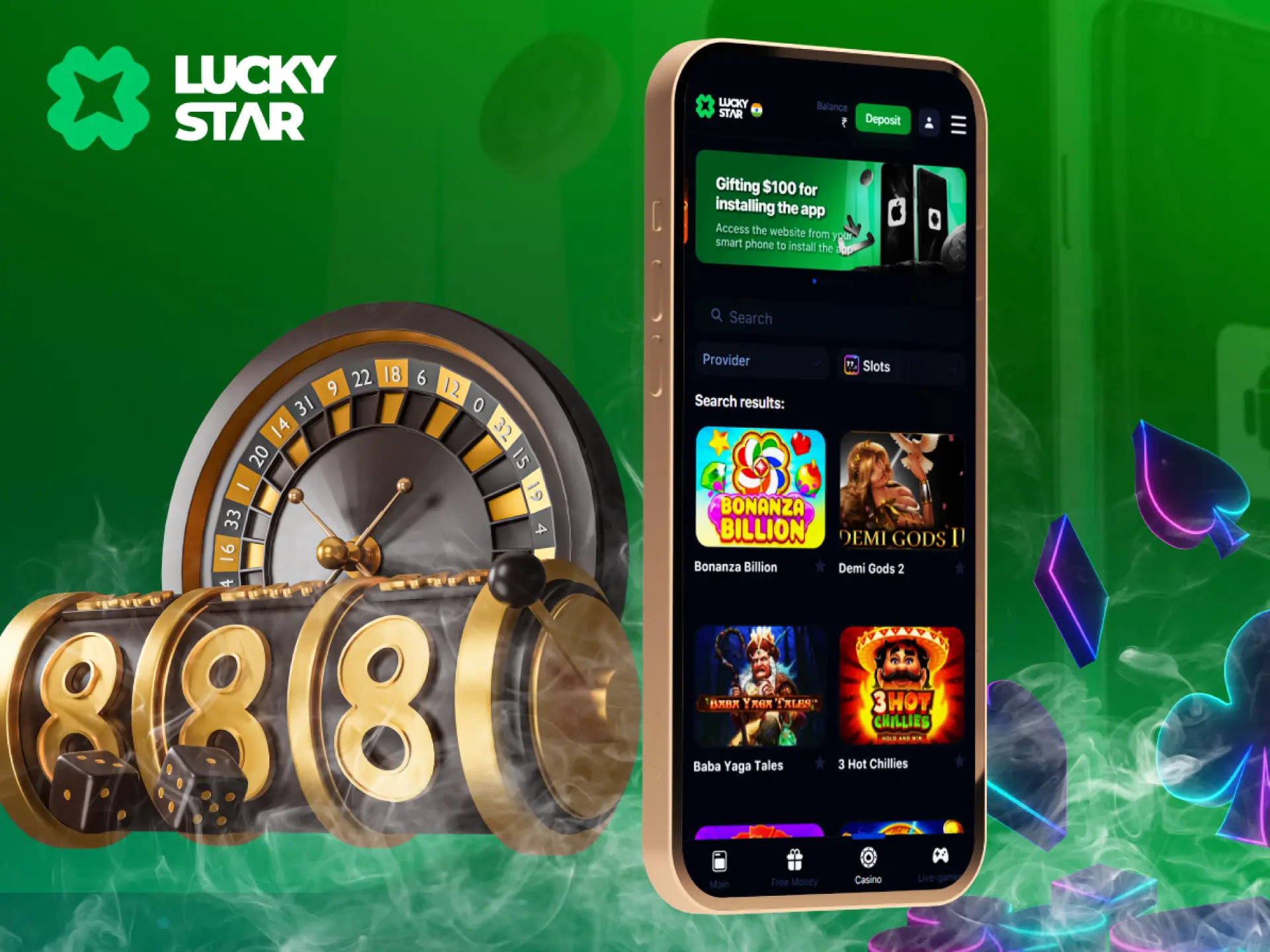
Slots are the largest category in the app. There are thousands of titles with different themes and mechanics, from classic machines with fixed paylines to modern slots that combine dozens of features. No special skills are needed: set your stake and spin. Each result is determined by a random number generator (RNG).
Table and Card Games

This category covers both classic and Asian games. The app offers American, French and European roulette, American and European blackjack, craps, poker, video poker and baccarat, as well as Andar Bahar and Teen Patti, which are popular in India.
Live Dealers
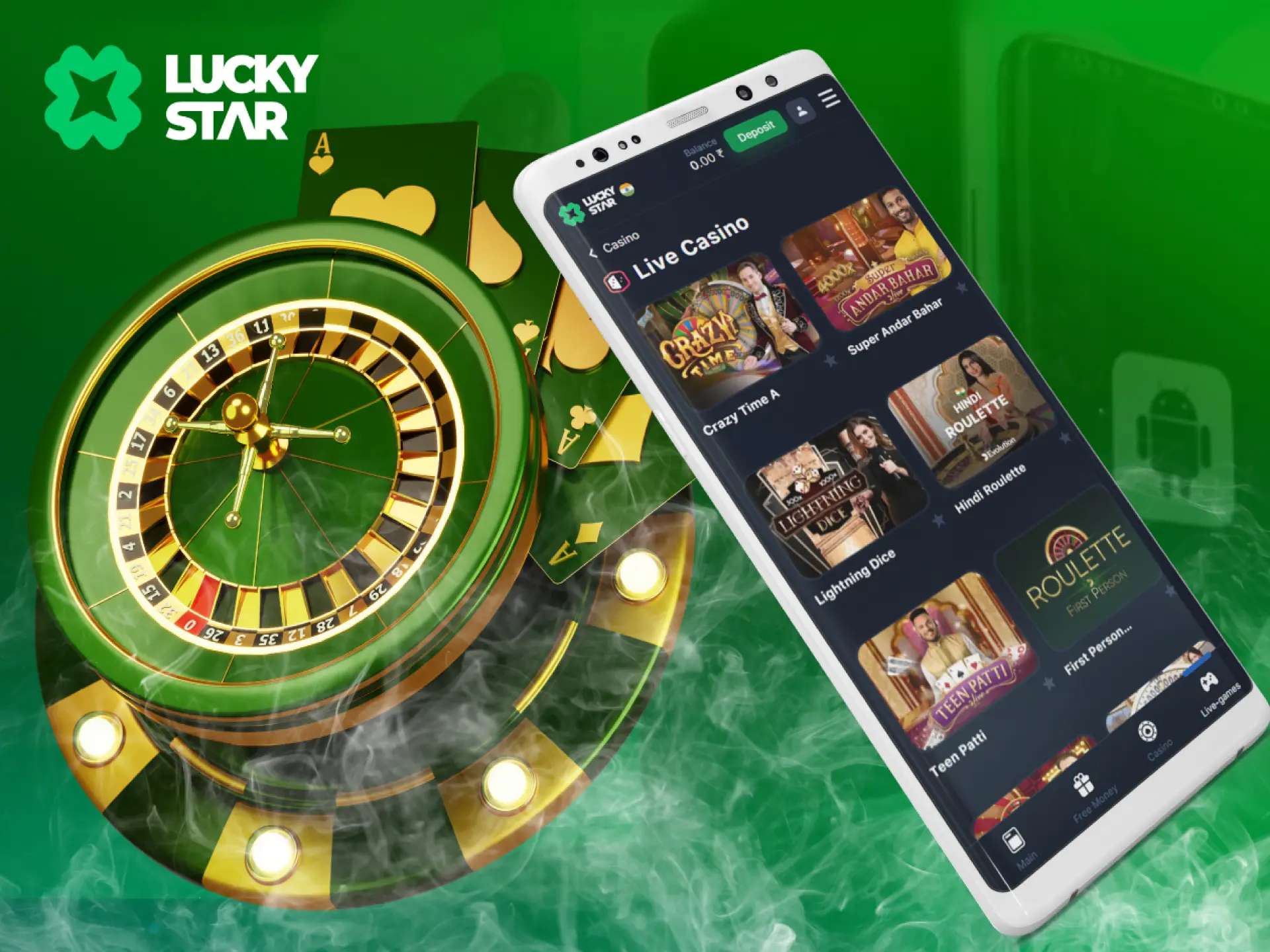
The Live section brings the atmosphere of a land-based casino to your phone. Dozens of live tables are streamed from the providers’ studios, with a real dealer running each game. You can watch the action in real time and chat with the dealer during the round.
App Safety and Security
Lucky Star accepts players from India. Its terms allow play only where online gambling is permitted, so check the rules that apply where you live. Players must be 18 or older. The site and the app use an encrypted connection for personal and payment data. Aviator runs on Spribe’s Provably Fair technology, which lets players check the outcome of each round. Play within a budget and take regular breaks; if you need help, contact support via the live chat or at contact@lucky-star.best.
FAQ
How do I use the Lucky Star app?
Download and install the app following the instructions on this page, launch it and log in or register. Then make a deposit in the cashier; once the money is on your balance, you can start playing.
Is there a separate Aviator APK?
No. Aviator by Spribe is part of the Lucky Star casino app: install the app and open Aviator from the lobby. You can also play Aviator on the mobile and desktop site without installing anything.
Are the bonuses valid in the app?
Yes. The app has the same promotions as the website: up to 600 free spins on the first four deposits, weekly free spins and a Sunday deposit bonus, up to 30% weekly cashback and Lucky Points. Installing the Android app also brings 200 Lucky Points.
How do I make a deposit in the app?
Open the cashier, choose UPI, PhonePe, Paytm, Google Pay, bank transfer or cryptocurrency, enter the amount (from 300 INR for UPI and other INR methods) and confirm the payment. Any deposit fee depends on the payment provider; Lucky Star does not charge a withdrawal fee.
How do I update the app?
When an update is available, the app tells you at launch: confirm it and the new version installs automatically. You can also download the latest version from the official Lucky Star website.
Updated:
Comments